Tips about Epcot, Mousecellaneous and Photography
We have been searching for Hidden Mickeys at WDW, so to 'train' my husband for our last trip, I hid one Hidden Mickey a day for him to find before work. I only hid them in the bathroom because if he had to look all over the house before work, it wouldn't be fun! We both enjoyed this pre-trip practice, and I really think it paid off! He did 100 times better at spotting Hidden Mickeys once we got to WDW. A few words of advice for anyone who might want to try this: limit it to two weeks or less before your trip! Also, certain scrapbook stores sell Mickey punches; those were small and I could stick them anywhere! Other good ideas for Hidden Mickeys are placing anything in the three-circle shape, such as dots of cream connected to look like Mickey. There are many Hidden Mickeys like that at the World, so be creative! - Alea Laughery
0 Users found this helpful.
Always keep your used film separate from your camera or video camera. While on our first trip to Disney World... at Epcot we misplaced our camera... One plus that my wonderful husband had thought of and I hadn't... after we finished a roll of film, he would put it in his pocket. The next day when I called the main lost and found, they had our camera... Even if we had never gotten that camera back, though, most of our precious memories of our first trip to \"The World\" were safe and sound. - Ruth K.
0 Users found this helpful.
We were in Disney World last month and noticed that there are new ways that the MagicBands interact with various attractions. At Rock 'n' Roller Coaster, there is an electronic poster in the queue that displays the name and home city of guests. At Mission: Space, there are video screens in the post-attraction room that will display the names of the guests who finished the ride, along with their hometown and their mission projection. At Space Mountain there are video screens along the moving walkway that display the names of the guests who finished the ride. At the end of "it's a small world," look for the video screen to display the names of the guests on the boat. There may be more attractions that may also implement this technology, so keep your eyes open in the queues and in the post-attraction areas. - Brian Kehoe
We were in Disney World last month and noticed that there are new ways that the MagicBands interact with various attractions. At Rock 'n' Roller Coaster, there is an electronic poster in the queue that displays the name and home city of guests. At Mission: Space, there are video screens in the post-attraction room that will display the names of the guests who finished the ride, along with their hometown and their mission projection. At Space Mountain there are video screens along the moving walkway that display the names of the guests who finished the ride. At the end of "it's a small world," look for the video screen to display the names of the guests on the boat. There may be more attractions that may also implement this technology, so keep your eyes open in the queues and in the post-attraction areas. - Brian Kehoe
Regarding two-way communication with other members of your party, we have found that texting works the best. It's too hard to hear my cell phone ring with all the noise of the parks, and it's also too hard to talk on the phone. So we just send each other text messages to set up meeting places, or to let the other person know if we're running late. - Kirsten Searle
0 Users found this helpful.
My wife and I, on our last trip, collected photos of specific things at Walt Disney World. We took pictures of all the trash cans in each "land" (or area) of each park since each are themed to a particular area. We also were there for the Epcot Flower and Garden Festival, so we attempted to get photos of every topiary. When we go in stores, if they sell hats, we always take pictures of each other wearing funny hats. Some other ideas are: signs for rides, Hidden Mickeys, food, Cast Members from each attraction or area, birds and other wildlife, and fountains. Pick your own theme. If you like a particular character, take pictures not only of live characters, but of merchandise, signs, statues, and/or shops that show that character. There is so much detail in the parks and resorts, that you can choose what you are interested in and find plenty of photos. Children would enjoy this, too. You could discuss ahead of time what kinds of pictures they would like to shoot and then give them a disposable camera for them to "hunt" for their item. After you get home and get film developed, you can see WDW from your children's perspective. Often they'll catch things adults overlook. John Daniell
0 Users found this helpful.
EPCOT - Get a Kids' Guide to Epcot. It's a small, square, blue booklet, found near the turnstiles or at Guest Relations. There's a place for the child to write his/her name, date of trip, and a list of the people they traveled with. For each ride/attraction, the booklet describes in a sentence or two what to expect at the attraction. There's a small box next to each attraction listing, so that kids can put a checkmark when they visited an attraction. Or, they could use these boxes to check off what they wish to see.
EPCOT - Get a Kids' Guide to Epcot. It's a small, square, blue booklet, found near the turnstiles or at Guest Relations. There's a place for the child to write his/her name, date of trip, and a list of the people they traveled with. For each ride/attraction, the booklet describes in a sentence or two what to expect at the attraction. There's a small box next to each attraction listing, so that kids can put a checkmark when they visited an attraction. Or, they could use these boxes to check off what they wish to see.
Before leaving home I taped a Barney and Wiggles video on a small cassette for my video camera so my 18-month-old could watch it on the plane (using the small screen on my video camera). When we got to the All Star Movies, I noticed that the Sony TV in the room had the jacks in the front to plug in video cameras. When my son was cranky in the room I used the video camera as a VCR and played the previously taped Barney video. It was great and we didn't have to pay extra to rent a VCR. We also watched the day's videos to remember what we did that day! - Laura Gallant of Toronto, Ontario, Canada
0 Users found this helpful.
If you have a videocamera with both an LCD display screen and a viewfinder, turn the LCD screen toward the performers and floats. The Cast Members always enjoy this because they can see themselves in costume. This works best during nighttime parades: SpectroMagic, Tapestry of Nations, Mickey's Very Merry Christmas Parade, etc. - Silipigni
0 Users found this helpful.
ALL PARKS - In regards to having bags and whatnots inspected at the parks, the best thing is to have all pockets and pouches opened. Also, if you have a dayplanner or something similar, have that unzipped, too. When we went to Disneyland recently (to see the new Haunted Mansion Holiday), my husband was asked to open his dayplanner for them to inspect. When we park-hopped over to DCA, he was ready for the inspection process and dutifully had everything unzipped and ready to be looked at. - Milady
1 User found this helpful.
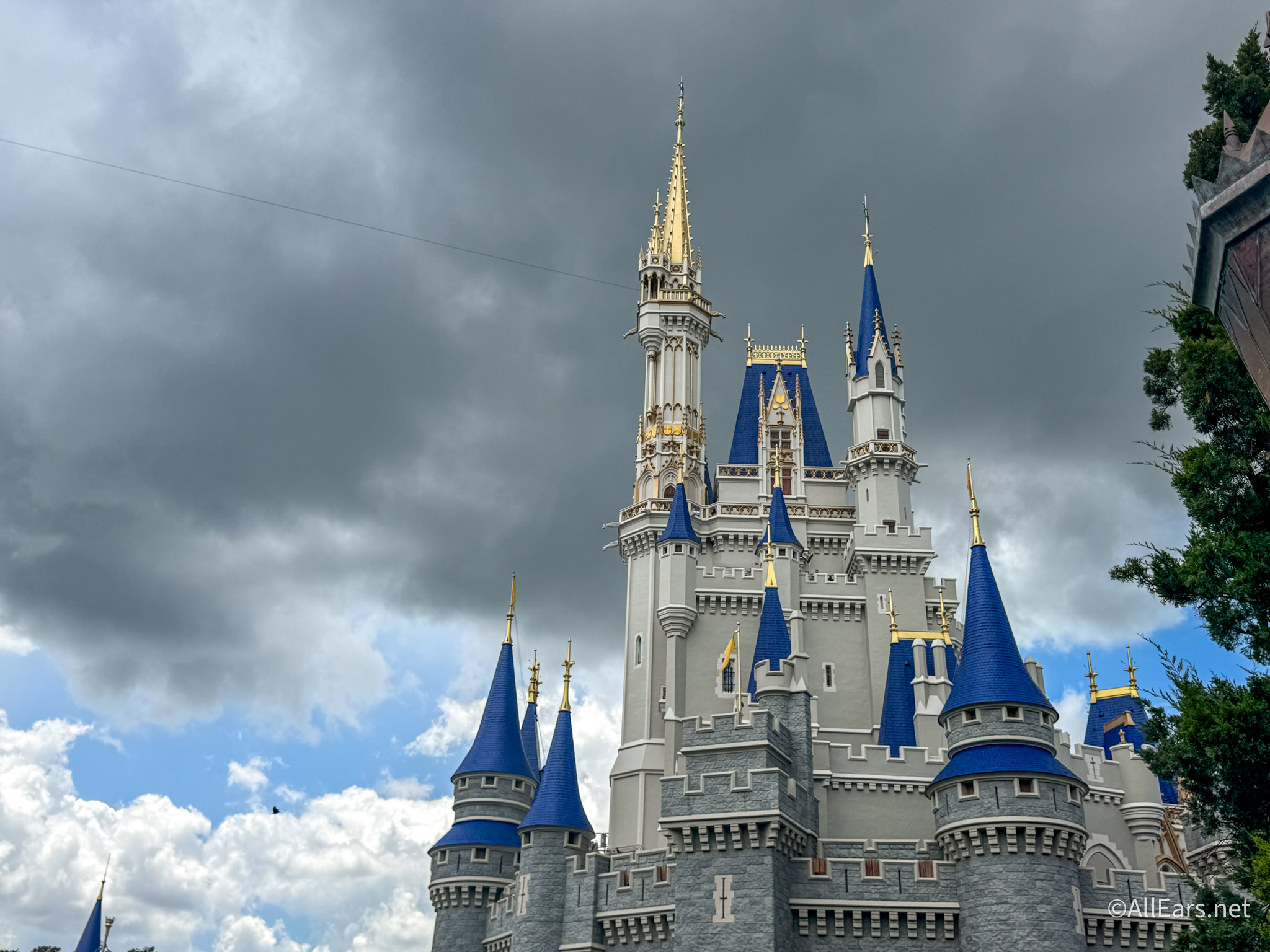
We have been to Disney World several times and each time we go we always take a ton of pictures. I noticed I have quite a collection of the same shots -- the castle, Main Street, the "big ball," the "big hat"... For our last trip in February I decided that I would experiment with black and white photos to mix it up a little. The pictures turned out so beautiful! Especially nice were shots of anything with dark colors such as Tigger with his black stripes or a black horse leading the trolley down Main Street. I used Kodak black and white 35mm film bought at a grocery store. I did not do all my photos in black and white, but I am happy I experimented with a couple of rolls. The variety makes a great addition to the scrapbook! - Paulette Kusmierz
EDITOR'S NOTE:: Some digital cameras have a black and white photo setting you can experiment with, too.
0 Users found this helpful.
My daughter loves to take pictures and inevitably we end up fighting because she's always trying to take the camera and take TONS of pictures (she's 8) so we buy disposable cameras at Sam's ($9.99 for two) all year long and give her a stack at the beginning of our vacation and tell her that when she takes all the pictures there will be no more picture taking for her and we all are happy. She feels in control of the situation and we don't have to deal with the whining. - Chrisie
0 Users found this helpful.
Before we leave for Disney, we save up those photo-developing mailers that come in the mail--you know, the ones that develop film for much cheaper than in stores. We keep one in a fanny pack, all filled out and ready to mail. When a roll of film is done, we pop it in the envelope (most now don't require stamps) and drop it in a mailbox. When we get home, some of our pictures are waiting for us when we pick up the mail. (And it's a lot cheaper--especially when you take as many pictures as we do!!) - Sue
0 Users found this helpful.
Don't forget to mention that a trip to the Kennedy Space Center is worth it. It's only an hour's drive and the backlot bus tour for the $20 was well worth it. Wow, unbelievable what this day trip offered. Not a lot of walking (so go after a day of hard walking around WDW. - David
0 Users found this helpful.