

Disney World is surprisingly tech-y! When you’re in the parks, you may find yourself relying on your phone a lot more than you expect. That’s because the My Disney Experience app is important for just about every aspect of your vacation, from rides to dining to capturing photos.

Here are five reasons you can’t let your phone die when you’re in the Disney World Parks!
MagicMobile
Disney recently rolled out MagicMobile, which is a brand-new feature that lets your phone function as your MagicBand!
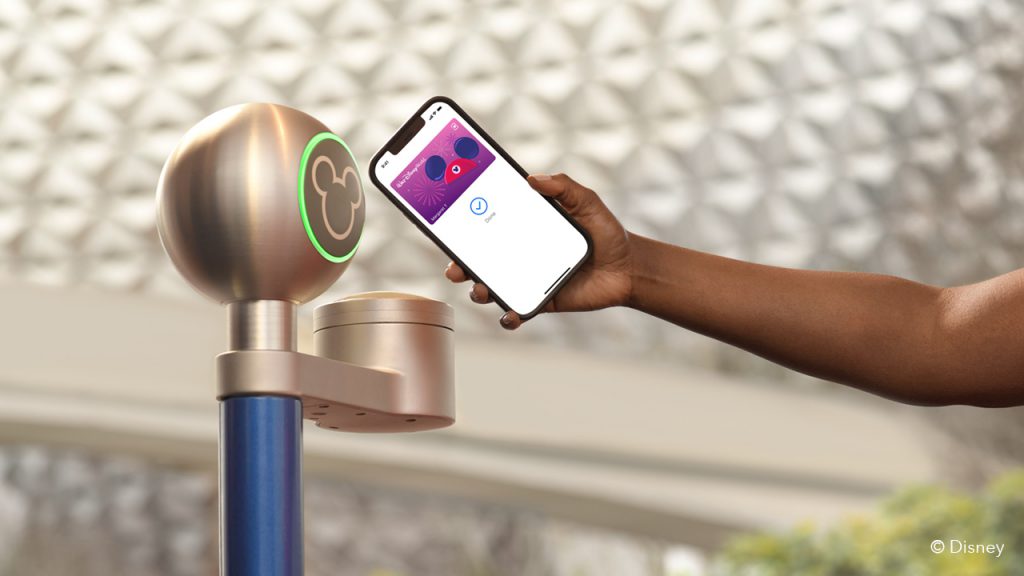
You’ll be able to tap into the park, join boarding groups, and link your PhotoPass photos without even opening your My Disney Experience app. Just make sure your park tickets and My Disney Experience profile are linked to your digital wallet. We’ve got a full guide for you on how to set that up here!
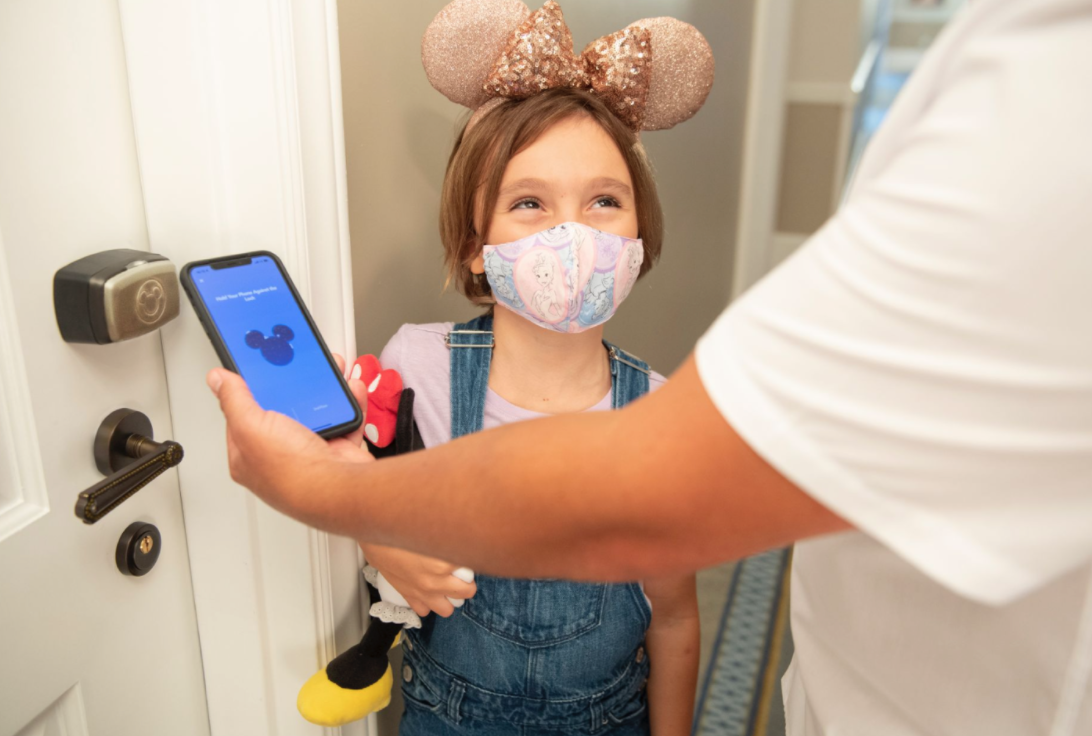
If you’re going without a MagicBand or physical park ticket, your phone becomes your lifeline in the parks. Of course, you can always bring your phone and your MagicBand/physical ticket, just in case your phone dies. You’ll be able to use all of those services interchangeably!

Also keep in mind that the MagicMobile service is totally optional. You can opt out and stick with a MagicBand or physical ticket instead!
Read More About the MagicMobile Service!
Mobile Order
If you’re planning on eating a lot of Quick Service meals, you’ll need your phone for Mobile Order. This feature allows you to place your order on your phone and pick it up at the restaurant at a designated time!
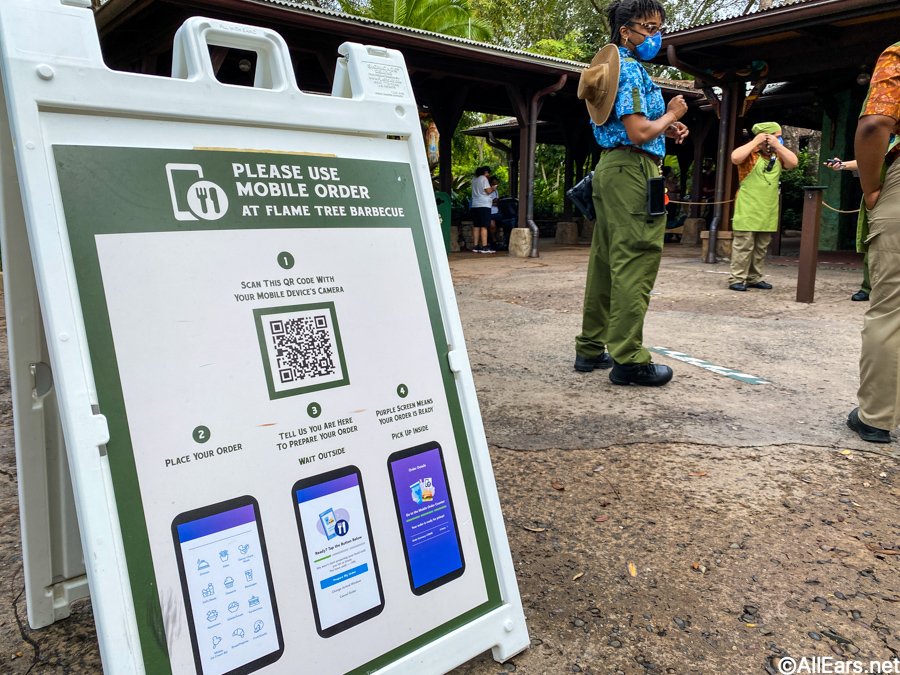
You’re able to schedule your meals hours in advance — or order them at the last minute, as long as there’s availability — so it allows for quite a bit of flexibility in your park day. Not to mention, it skips the whole process of placing your order and waiting for it at the restaurant!

Quick Service restaurants (and some snack counter spots like Sleepy Hollow Refreshments) function almost exclusively on Mobile Order. So while you can technically go up to the counter and place your order if you absolutely need to, it’s encouraged to go on and use that Mobile Order feature.
Learn More About Using Mobile Order!
Dining
But believe it or not, you’ll need your phone for Table Service dining, too! If you’re making last-minute dining reservations, you’ll be able to use the My Disney Experience app to check availability and reserve your table.

You’ll also need your phone for Mobile Dine Check-In once you arrive at your reservation. That’s Disney’s contact-free way of checking you into your table without visiting the seater’s stand!

Lastly, if you want to grab some food to go, you can use your phone for Mobile Order Table Service To Go. That’s the Table Service equivalent of Mobile Order! You’ll be able to place your order and schedule your pick-up time on the app, then enjoy your meal outside of the restaurant.

These features largely replace what used to be face-to-face communication at the restaurant — and meals to-go previously weren’t available at all! If you want to take full advantage of all of your dining options, you’ll definitely need your phone.
Learn More About Table Service Dining in 2021!
Wait Times
While you’re in the park, you may want to keep a close eye on wait times so you can decide what to do next. The My Disney Experience app can help you out with that, too!

It will update live with the latest wait times from all four parks. You’ll also be able to see if any rides are temporarily closed.
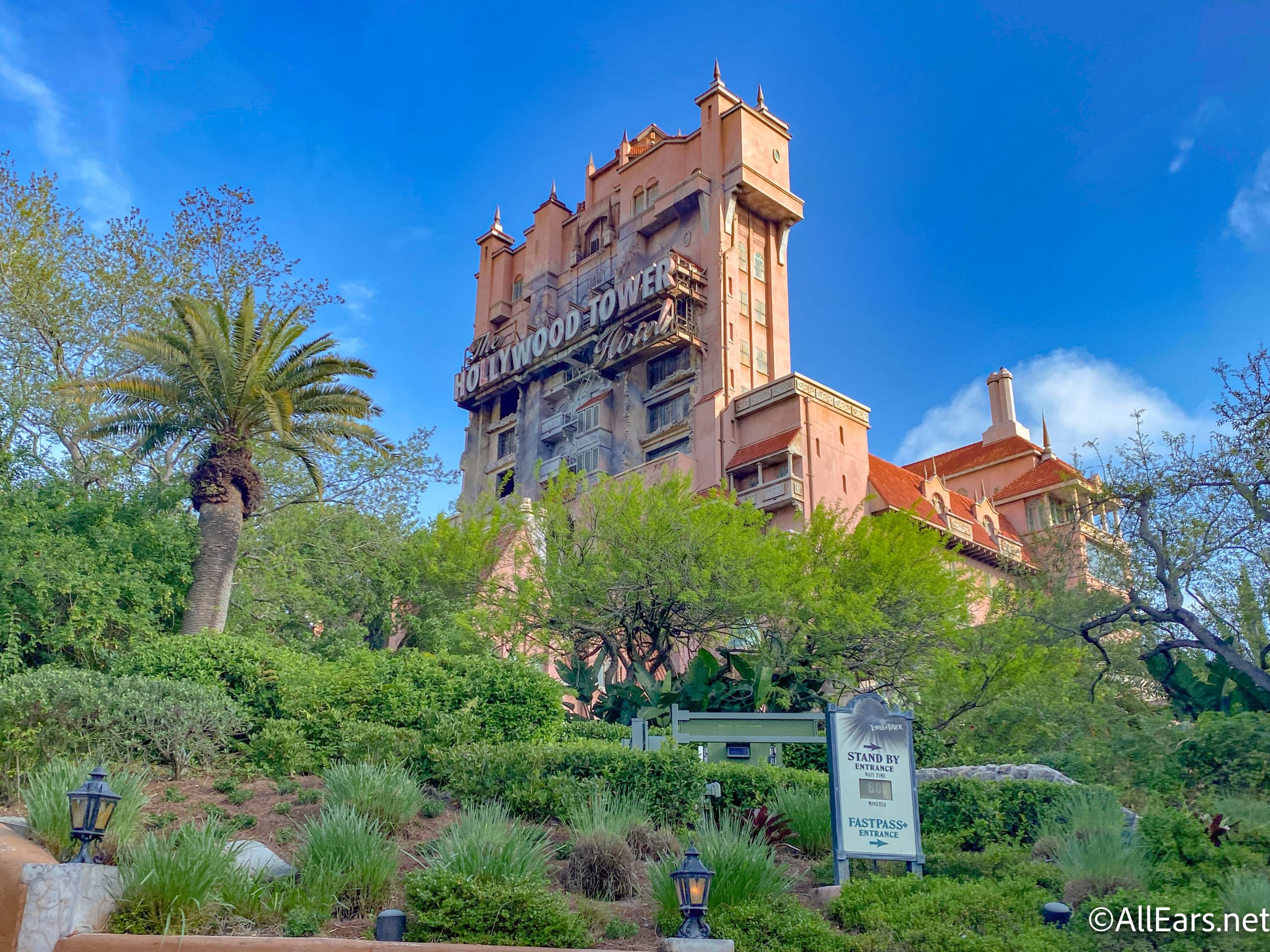
This saves a lot of time that you would otherwise spend walking to each ride and checking the physical wait time sign. It allows for efficient planning that lets you maximize the number of attractions you can do in a day!
Here’s What Wait Times Have Looked Like Lately!
Virtual Queues
The last big feature you’ll need your phone for is the Virtual Queue system. This only applies if you’re hoping to ride Star Wars: Rise of the Resistance in Disney’s Hollywood Studios.

This ride requires you to join a virtual queue on the My Disney Experience app at either 7AM or 1PM. You’ll then be notified on the app when to head over to Galaxy’s Edge for your turn to experience this attraction.
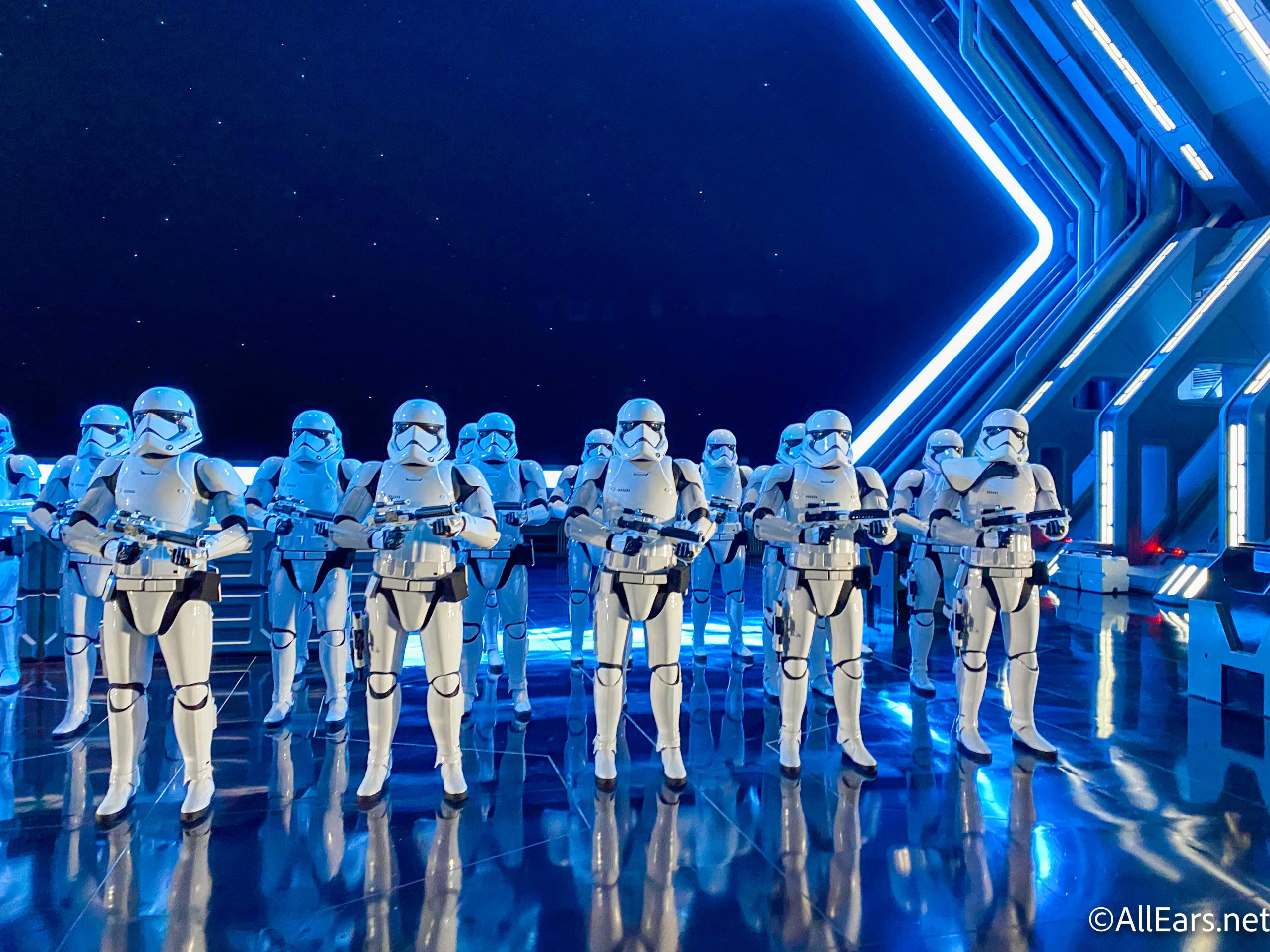
There’s really no way for you to join this virtual queue without your phone. But we’ve got plenty of tips for snagging your boarding group right here!
Check Out Our Boarding Group Tips and Tricks!
Some of these mobile features are optional — like the new MagicMobile service. Others, like Mobile Order, are pretty standard, and you should expect to use them throughout your trip. It’s always smart to keep your phone (and a portable charger) on hand just in case you need it!
Here Are More Things You Can Do on the My Disney Experience App!
Join the AllEars.net Newsletter to stay on top of ALL the breaking Disney News! You'll also get access to AllEars tips, reviews, trivia, and MORE! Click here to Subscribe!

Which of these features do you use in Disney World? Let us know in the comments!












taking all the spontaneous fun out of Disney . . . and what happens when your phone dies? Let’s get back to regular lines for fast food at least!