

It’s no secret that using Genie+ in Disney World can be tricky.

You have to remember the rules and technicalities, the times that the Lightning Lanes become available, which rides are included, AND you have to get up early to get started on your bookings. But it can save you time in the parks, so it can be worth it. Want to make sure you’re really using Genie+ like a pro? Today we’re spilling our favorite Disney Genie+ secret! Lean in close, this is something you’ll want to know!
Scanning in Early
One of our favorite tips for saving time with Genie+ is the “scan in early” tip! When you book a Lightning Lane through Genie+, you’ll be given a return window to scan in at the ride. Disney is pretty strict about those return windows…except during certain limited grace periods!

You may already know that there’s typically a grace period of about 15 minutes AFTER your window ends when you can still scan in at the attraction. This flexibility is in place in case you get stuck on transportation or a dining reservation takes too long or life just happens (the way that life does!). But, did you know there’s also a bit of a grace period BEFORE your window starts?
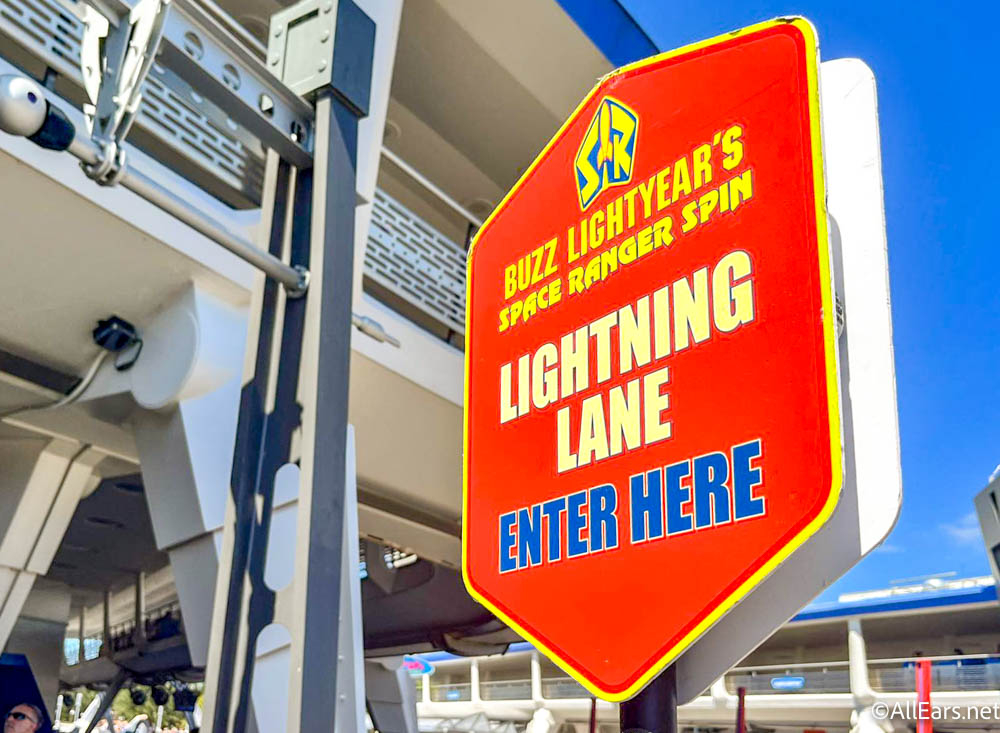
We’ve found that in general, you can scan into Lightning Lanes up to 5 minutes early. So if your return window for Big Thunder Mountain Railroad runs from 1PM-2PM, you may be able to get in the Lightning Lane at 12:55PM. Why does this matter? Well, because as soon as you’ve scanned into the checkpoints at that Lightning Lane, you can generally book another Lightning Lane!

This rule can vary, but next time you’re in the park, you might want to try it! Five minutes may not seem like much, but if you keep following that rule throughout the day, the time adds up. And five minutes can make a BIG difference in the availability of Lightning Lanes for other rides. The earlier you scan in, the earlier you can get on the ride and get to booking your next Lightning Lane.
Other Secrets We Like!
Even though the “early” scan-in might be our favorite secret, there are others we really like as well so we just had to share those with you. One we use frequently is the modify feature — it allows you to change the time on your Lightning Lane (or select a Lightning Lane for a different ride) without canceling it and rebooking.
If you keep refreshing the app, you may be able to find Lightning Lane return times earlier than the one you originally booked, again making your day run smoother and giving you more time to get on more rides.
Another good practice is to stack Lightning Lanes for the afternoon. This can be a great strategy if you’re Park Hopping or you want to sleep in. You can also use this strategy to have a leisurely morning and then a ride-filled afternoon. Keep in mind that attempting this strategy will likely activate the 120-minute rule, though. (So you’ll only be able to book Lightning Lanes every two hours.) Click here to learn more about stacking and how to do it!

Genie+ can be complicated, but it can also save you time if you use it properly. If you don’t find a Lightning Lane time that you like, keep refreshing the app until you find something that fits your schedule better. It’s a game of strategy (and patience and persistence).
For more Genie+ tips and tricks, see our posts below:
- Learn more about Genie+ grace periods
- Our complete guide to Genie+ stacking
- See our full page on Genie+
We’ll keep you updated with more Genie+ tips and advice from Disney World, so stay tuned to AllEars for the latest.
Click Here to See Which Genie+ Rides You Need to Prioritize!
What’s your favorite Genie+ secret? Tell us in the comments!














Trending Now
Whether you're a ride warrior, a resort-hopper, or someone who spends three hours grazing through...
We've got a new batch of finds from ALDI!
Disney has released the full list of what will be releasing on Disney+ this June!
Something is changing in Toy Story Land!
All of these Crocs clogs are on sale on Amazon -- pick up a pair...
We now know what Disney has planned for this EPCOT snack spot.
This Lightning Lane loophole is still working over a year later, but could Disney World...
Bluey's Wild World will no longer require a virtual queue soon.
A popular hotel perk is going to get even better this summer!
Changes are coming to the Carousel of Progress, but don't worry, your favorite song will...
This GORGEOUS hotel just minutes from Disney World is now officially a Walt Disney Gateway...
Upgrade your Disney World fits with these awesome shirts!
From stained glass portraiture to iridescent cake aesthetics, there's something genuinely new and exciting happening...
Disney Springs just announced a new parking rule.
Disney World Cast Members can’t say this stuff… but WE can. And honestly? Some of...
Our Disney souvenir collections are about to grow a bit larger thanks to these amazing...
Disneyland is getting hit with another ride closure!
You won't find these Walt Disney World experiences open in June.
I bet you didn't know this about Disney World's hurricane policy, and it could give...
Bluey fans headed to Animal Kingdom, this one’s for you. We found the Amazon essentials...