

Spending $54.99 on a wristband at Disney World felt like a no-brainer…until it wasn’t.

MagicBand+ looks fun, futuristic, and honestly kind of essential when you see everyone else wearing one. We bought into the hype, picked a cute design, and tapped to pay without thinking twice. Now that we’ve used it on multiple trips, there are a few things we really wish we’d known ahead of time, and we’re sharing them so you can decide if it’s actually worth it for you.
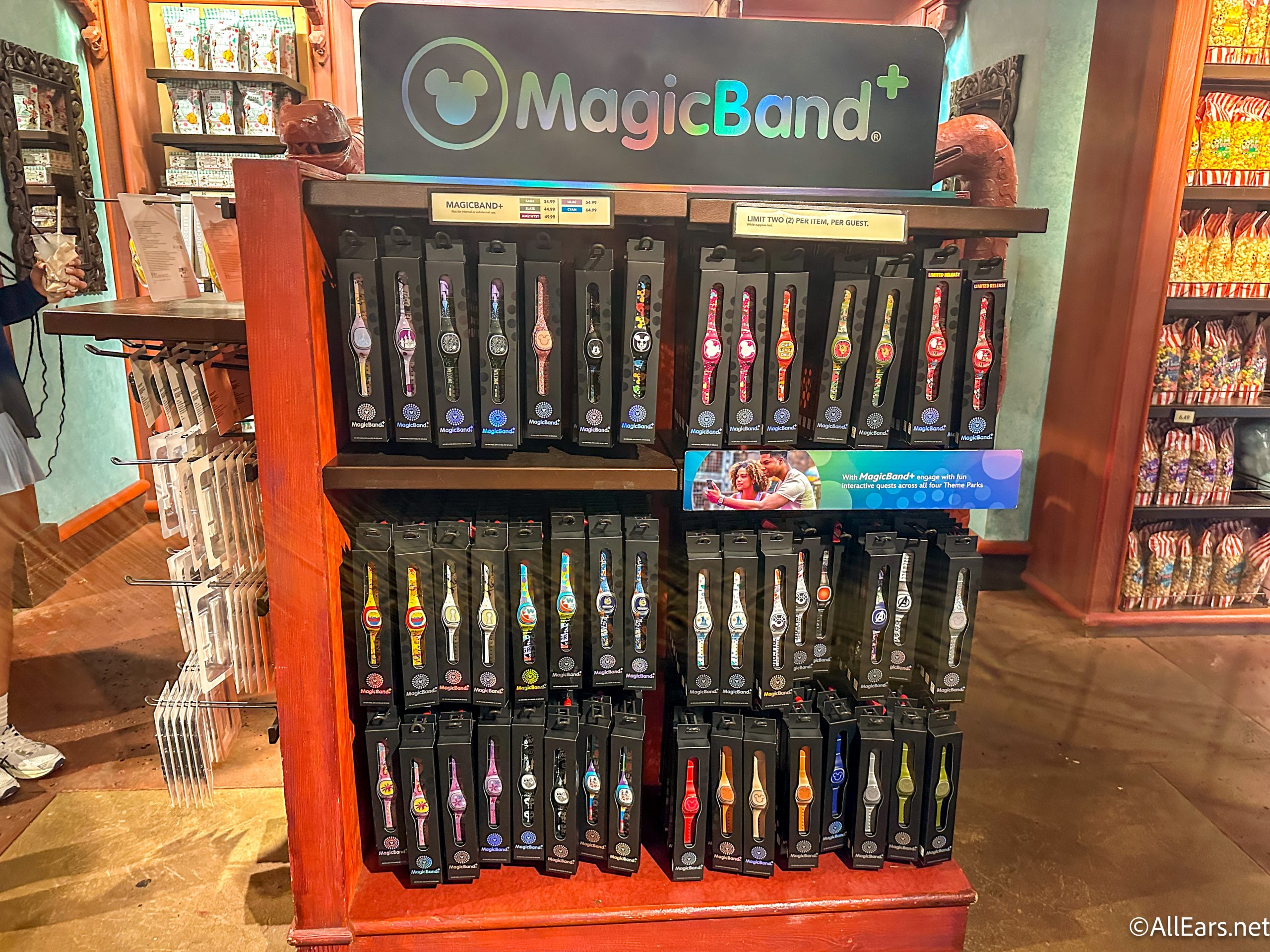
Not All MagicBand+ Designs Cost the Same
When we grabbed ours, we went straight for a specialty design and didn’t really look at the price difference, which can be a big mistake. Solid colors usually sit at the lower end of the pricing scale, while limited editions and character designs creep up to that $54.99 price tag.

If you just want the functionality and don’t care about the artwork, you can absolutely save yourself some money. The band works the same either way.
You Have to Charge It Every Night
This is the one that caught us off guard. MagicBand+ has interactive features that light up and vibrate during certain attractions and nighttime shows, and those features rely on battery power.
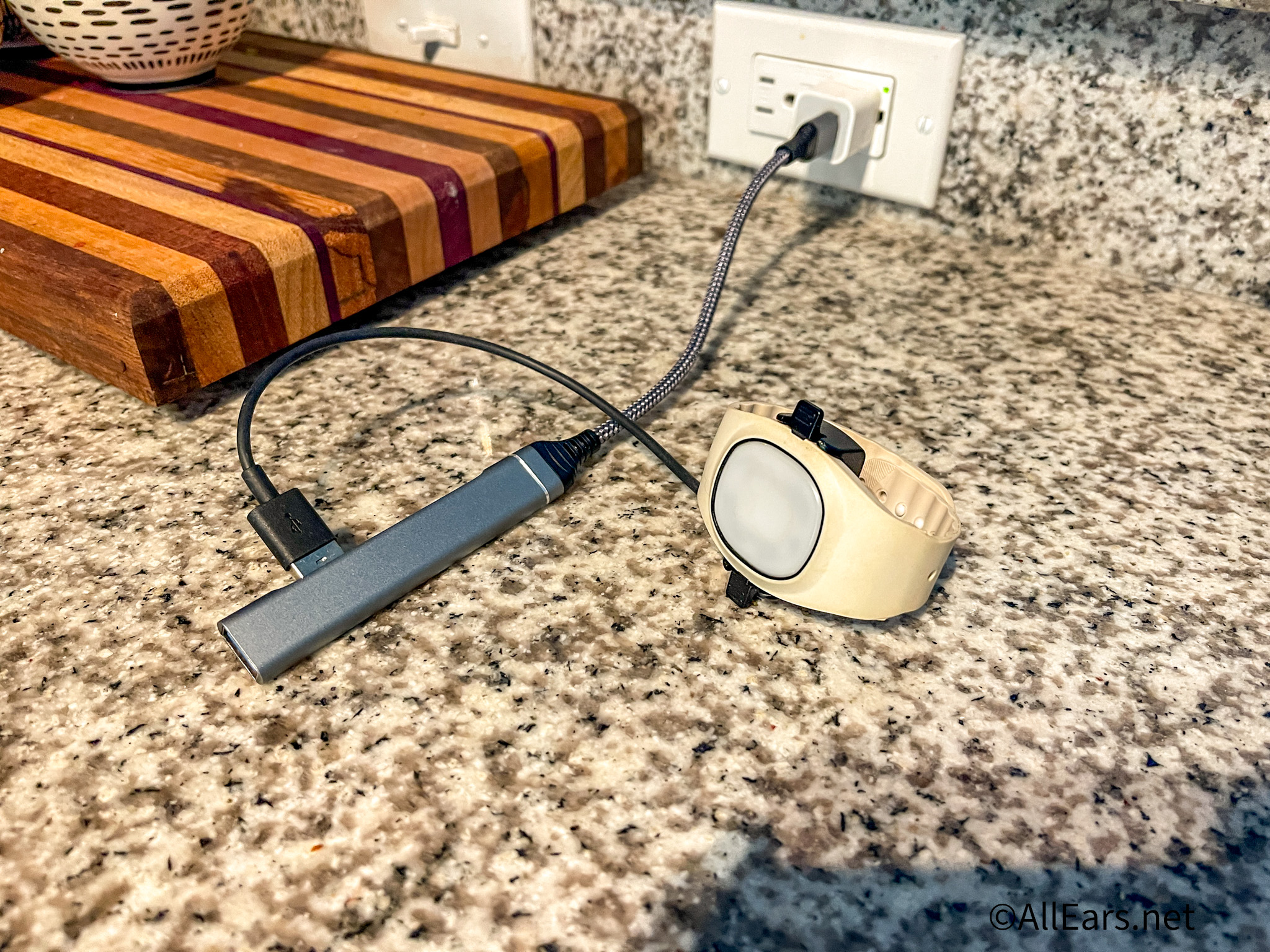
If you want those effects to work consistently, you’ll need to plug it in every night of your trip. Forget once, and you might find yourself with a band that looks cute but doesn’t do much beyond basic scanning. It’s not the end of the world, but it is one more thing to remember in your hotel room at midnight.
It Still Works Even If the Battery Dies
Here’s the good news. Even if you forget to charge it, the core functions keep working. You can still use it to enter the parks, tap into Lightning Lanes, link your PhotoPass pictures, unlock your Disney Resort hotel room door, and charge purchases to your room if you’re staying on property.

The only thing you lose when the battery runs out is the interactive lighting and vibration. So while it’s annoying, it’s not a total disaster.
Your Phone Can Do Almost All of This
This one stings a little. If you download the My Disney Experience app and set up Disney MagicMobile, your phone can handle park entry, hotel room access, and even payments. So technically, you don’t need a MagicBand+ at all. You can use your Apple Watch as well!

The band is more about convenience and preference. Some people love having everything on their wrist and not worrying about pulling out their phone constantly. Others are totally fine using their device for everything. It really comes down to your park style.
Charging to Your Room Is Only for Disney Resort Guests
We’ve seen some confusion about this, so let’s clear it up. The ability to charge merchandise and food back to your hotel room using your band is only available if you’re staying at a Disney Resort hotel.

If you’re off property, that feature won’t work for you. You can still use the band for park entry and other linked features, but you won’t be able to tap and send that souvenir bill to your room.
Your Old MagicBands Might Still Work
Before you buy a brand-new MagicBand+, check your account. If you have older MagicBands linked to your My Disney Experience profile, there’s a good chance they’ll still function for basic features.

They won’t light up or interact with shows like MagicBand+, but they can still get you into the parks and your hotel room. Reusing one you already own can save you a decent chunk of change.
You Can Only Resize It Once
MagicBand+ comes with a removable outer section so you can size it down for smaller wrists. Once you snap that piece off, though, there’s no putting it back on.
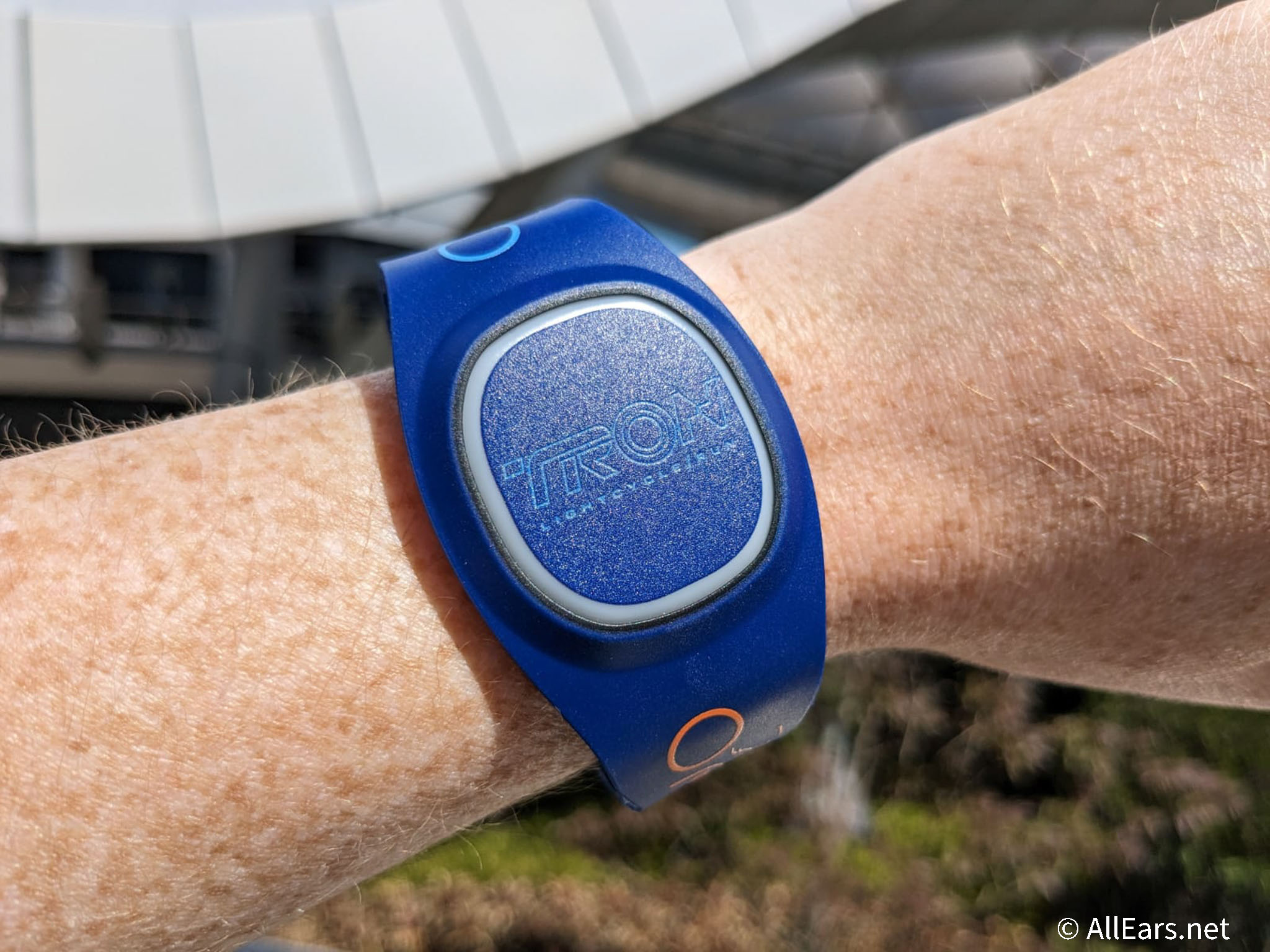
If you’re buying a themed or limited edition design, think carefully before trimming it. You don’t want to regret cutting it down too much and realizing it doesn’t fit the way you hoped.
At the end of the day, MagicBand+ can be super convenient and genuinely fun, especially if you love the interactive elements. But it’s not a must-have for every single guest.
As always, stay tuned to AllEars for more tips that make your Disney trip a whole lot smoother.
The 12 Disney World Hacks I Won’t Shut Up About
What’s your take on MagicBands? Worth it or skip it? Let us know in the comments!















I’ve seen so many people hold up the gate line with their iphones and apple watches. They actually kinda stink for that process. Magicband and magicband + works like a charm every time.
Plus if you get a basic color, you can get special stickers you design from Magic my Band. They make custom shaped stickers for magic bands, so you can add graphics of that fav character you can’t find on an official magicband design.
There are always codes for the Disney Store to save you money. They list some, and you can also get discounts if you have D23, a Disney Card, etc etc etc. On certain days, you can even save 20%.