

One of the best parts about going to Disney World is making memories, especially the ones that are captured on camera, and even better, candidly!

And one of the best ways to get candid pictures is actually on rides. These photos always capture those raw reactions, whether it’s of the thrilling drop on Tower of Terror or your focused face on Buzz Lightyear’s Space Ranger Spin. However, sometimes the photo doesn’t always load on your My Disney Experience App. But don’t worry! Your Lightning Lanes are here to save the day!
Technology can be tricky, even in this day and age! In order for your attraction photos to show up in your My Disney Experience app, your Bluetooth needs to be activated even when you’re not using this app. This way, your phone will know where you are and what attraction you just experienced.
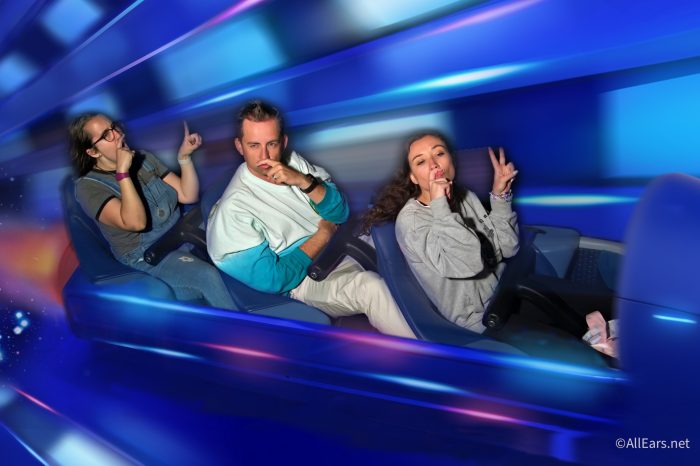
But what happens when your photo still doesn’t show up even though you did everything you were supposed to do? Well, you can recover those photos by visiting one of the PhotoPass Sales and Services Centers or by calling the Disney PhotoPass Guest Support team at (407) 560-4300. They’ll be able to find those lost photos based on the time you rode the experience!

Here are the locations of the PhotoPass Sales and Service Centers:
- Magic Kingdom: Inside the Town Square Theater
- EPCOT: At the Camera Center inside Pin Traders
- Hollywood Studios: Inside Sid Cahuenga’s One-of-a-Kind Shop
- Animal Kingdom: Inside Garden Gate Gifts
- Disney Springs: The PhotoPass Center in the Marketplace

Can’t remember the time you rode the attraction? Here are some tips to help you remember:
- Did you send a text to someone before or after you experienced the attraction?
- Did you take any pictures of the queue or while you were on the ride?
- Do you remember what you did next and what time that was?
Those are just a few tips, but let’s say you really can’t remember, but you purchased Lightning Lane for that attraction. Now you have at least that hour-window!
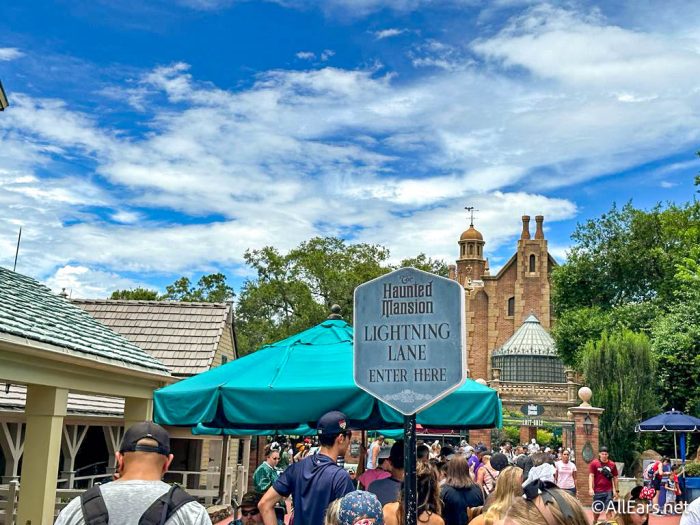
But let’s be honest — there are so many guests that ride an attraction in an hour, especially when it’s one like Haunted Mansion where the ride is constantly moving and only seats two guests per Doom Buggy. From a former PhotoPass Photographer, trust me…it’s a lot.

That’s where Lightning Lane comes in! Quincy recently had a friend visit Disney World, and after they rode Slinky Dog Dash, their picture never popped up in their app. They really wanted this picture (it must have been a good one!), but they didn’t remember what time they rode the attraction. But they did use Lightning Lane to ride Slinky Dog Dash, so they decided to use their resources!
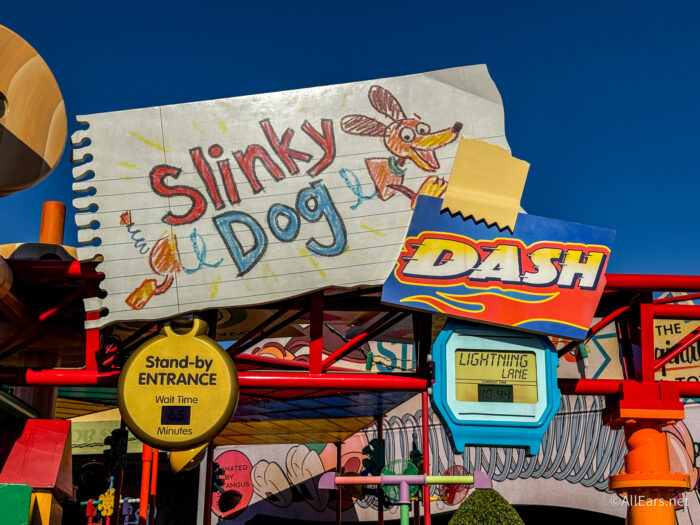
Since the app doesn’t tell you what time you scan into an attraction using Lightning Lanes, they decided to call guest services and ask them if they were able to see the time they scanned into the attraction. And guess what? It worked! They were able to tell them the exact minute that they scanned into the queue and the exact minute that they scanned the second touchpoint before the ride. Which meant it was super easy for them to find the lost photo, and they had it loaded into their account in no time!
So, if you’re worried your attraction photos are lost forever if they don’t load into your app, just remember these tips! Be sure to follow us here at AllEars for more tips, tricks, and news about Disney World and more!
4 New Toy Story 5 PhotoPass Spots You Need To Know About at Hollywood Studios!
Which attraction is your favorite to get a ride photo from? Let us know in the comments below!








Trending Now
These water bottles will fit right in at the Disneyland Resort!
These specialty perks are available at the Swan and Dolphin in August.
I'm getting real about my problem with every Disney World resort.
Several new Disney souvenirs are about to drop online!
Do not overlook this Disney World restaurant any longer!
You need to check out these Disney tees on Amazon!
There's only ONE place to grab our favorite Loungefly backpack now!
I'm a Disney World Local, and these are 15 Disney Springs Tips Tourists Don't Know...
If you're traveling to the Caribbean soon, you need to know about this travel warning.
Disney's Yacht Club & Beach Club Resorts have a lot in common, but there are...
Here's what I think you need to know before heading to Dollywood theme park!
We promise these Disney World tips are game changing and totally legal to use!
Let's talk about five common flying mistakes people make that earn them some serious side-eye...
I have stayed in EVERY Universal Orlando hotel, and I'm finally ranking them all. The...
Are the Epic Universe wait times actually accurate? We put it to the test!
BIG things are coming to Knott's Berry Farm's water park next year!
A Georgia theme park is closing forever.
Six Ravens in Disney Springs soft opens TOMORROW!
Going to Universal Orlando Resort? We'd love to help you plan by bringing you our...
A new streaming subscription bundle is available now!