

So, picture this: You’re walking out of the exit gates of one of Disney World’s theme parks (or getting off the Monorail at the TTC if you’re leaving the Magic Kingdom) and heading to the parking lot when your mind goes blank and you completely forget where you parked.

We recently asked our readers about lessons they’ve learned the hard way at Walt Disney World, and one such reader shared a parking lot nightmare story. However, what they — and many others — may not be aware of is that there’s a way to avoid issues like this built right into the My Disney Experience app!
So, when we asked about these rookie mistakes, one of the responses came from reader Lawrence, who wrote, “Remember to doublecheck where you parked your car. Especially if you’re trying to get back to your car before a pop-up Florida thunderstorm hits. Nothing sadder than being soaking wet and lost in Zurg 999.”
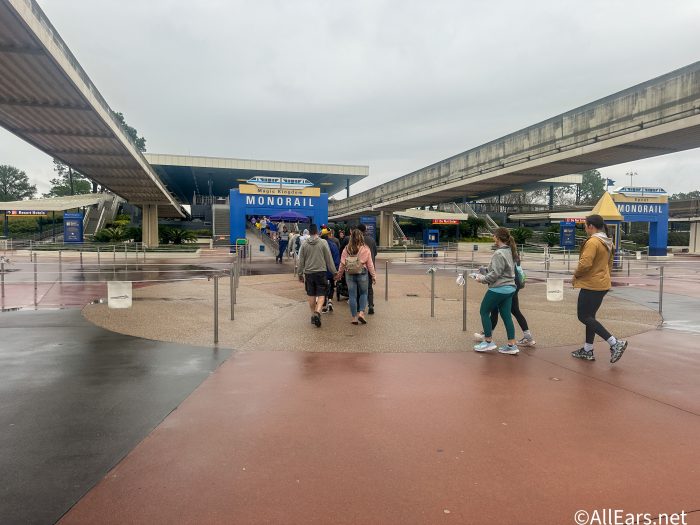
What might have helped Lawrence — and what could help you in the future — is the Car Locator feature on the Disney World app.
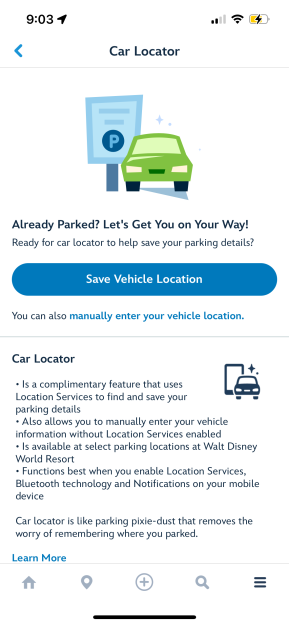
The service allows guests to save their vehicle and parking information – with the option of enabling location services as well – into the app to help find exactly where they’ve parked when they’re ready to head home for the day.
The process is a simple one:
- After parking your vehicle, open the My Disney Experience app and tap the Car Locator card on the home screen or the “Car Locator” button in the menu (☰).
- Follow the prompts to manually enter your parking information. If you enable Location Services on your device, the car locator can help fill in details for you.
- When you’re ready to leave, return to the car locator for your parking information. If you’ve enabled notifications, we’ll even remind you!
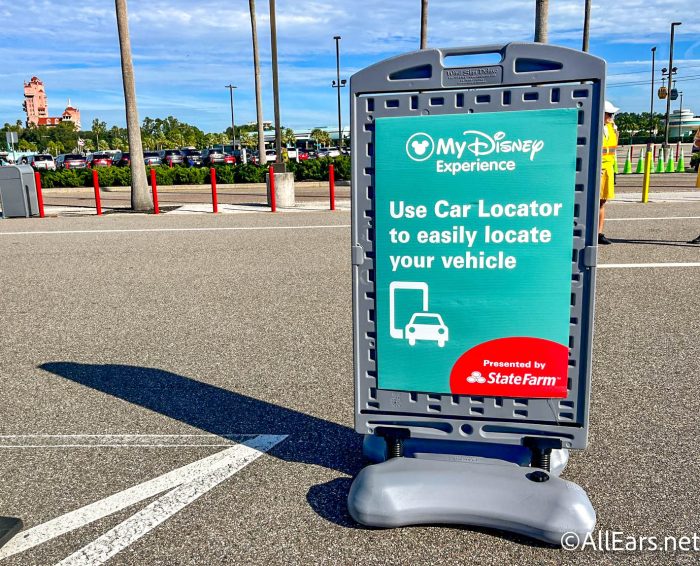
Car Locator is available at the following Walt Disney World locations:
- Magic Kingdom
- EPCOT
- Hollywood Studios
- Animal Kingdom theme park
- Blizzard Beach
- Typhoon Lagoon
- Disney Springs
- ESPN Wide World of Sports Complex
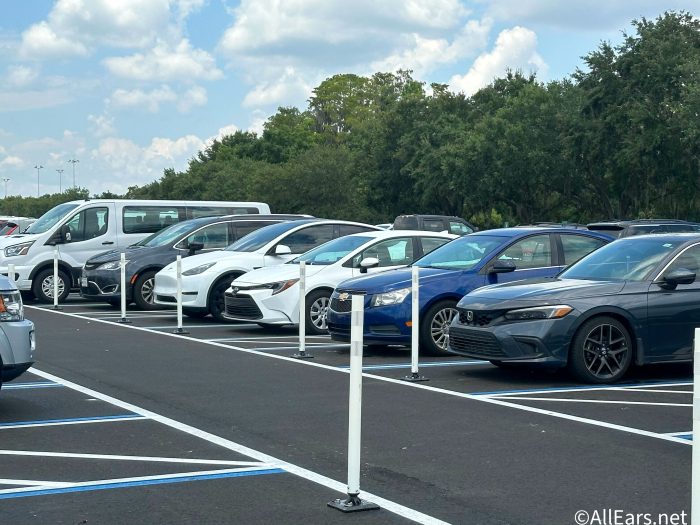
So, Lawrence, if you’re reading this — or anyone else who’s ever had issues forgetting where you parked at Disney World — be sure to keep this app feature in mind next time! Stay tuned to AllEars for more Disney World tips. If you’re interested in sharing your thoughts on this, or any other Disney or travel-related topic, follow us on the AllEars Facebook to join in on the next conversation!
4 Seriously Genius Disney World Hotel Hacks We Can’t Believe We Didn’t Think of Sooner
Have you ever lost your car at Disney World? Let us know in the comments below.











Trending Now
There are new flower LEGO sets coming to ALDI tomorrow!
Some Disney World restaurants we once called iconic are in need of a change.
These are the prettiest Loungefly Mini Backpacks we've ever seen!
Starting tomorrow, April 21st, 2026, Central Florida will be under a Fire Weather Watch.
We've got some major tips for navigating Magic Kingdom at night!
You can't miss this LEGO sale at ALDI!
We played Hide & Seek in Disney Springs, and you can find out who won...
We've tried them all, and these are our favorite sunscreens.
We just found your new favorite Disney kitchen essentials!
Some rides experienced closures in Disney World yesterday.
Think you know your Disney movies inside and out? We're putting your knowledge to the...
This restaurant is worth leaving the Disney World bubble for.
A NEW Winnie the Pooh collection just dropped online and we're suddenly craving honey!
Are the changes to the Disney Dining Plan still worth it?
This Disney World hotel perk is coming back next year.
Does this slight Disney issue bother anyone else?
Two rides are reopening at Disneyland!
A brand-new theme park is about to attract guests from all over the world with...
These essentials will change how you travel forever!
Disney World has confirmed these hotel perks for 2027.