

Over the last decade, the Walt Disney World app has become an integral part of the Vacation Kingdom’s experience, with everything from tickets and hotel entry to shopping and dining running through My Disney Experience.
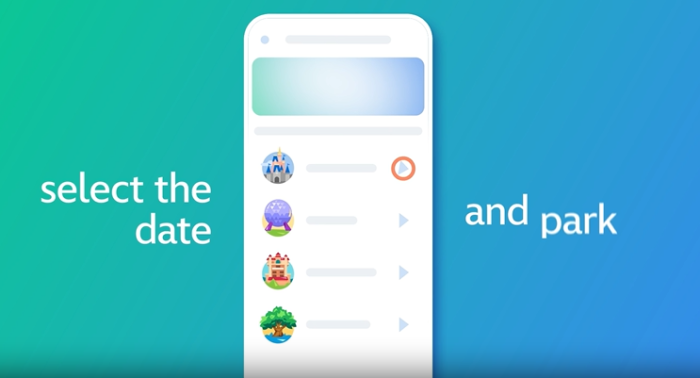
Given that, there are certain app rules we LIVE by every time we visit!
Download the App Beforehand
It’s beneficial to download the Walt Disney World app shortly before one’s trip. That way, you can become familiar with the interface, log in to any profiles, link reservations, etc.
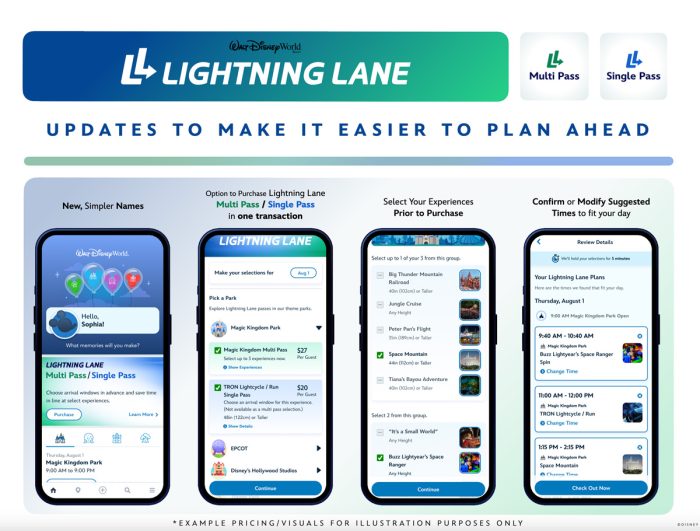
While this goes for first-time visitors, it also applies to Walt Disney World veterans. While they may think they’re familiar with the app, Disney’s use of constant updates means that at least some elements of the app are likely very different since their last visit.
Always Use Mobile Check-In
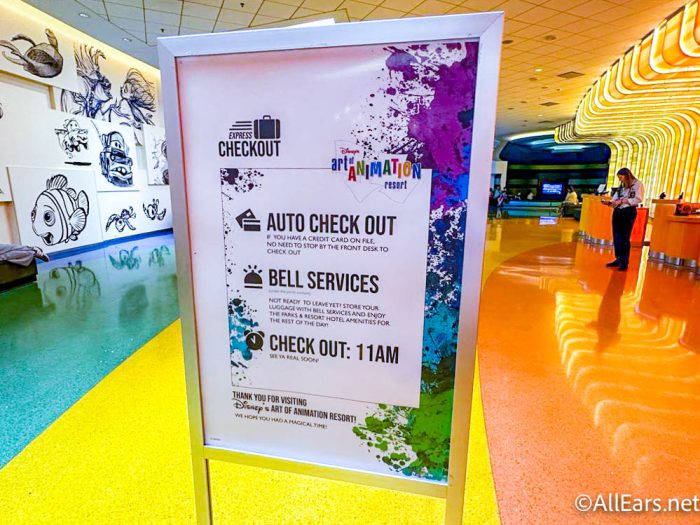
When arriving at your Walt Disney World hotel, you can use the app to bypass the front desk completely. Simply check in on the app, and then use your smartphone or connected MagicBand as a room key. Auto checkout is also available.
Use Mobile Order
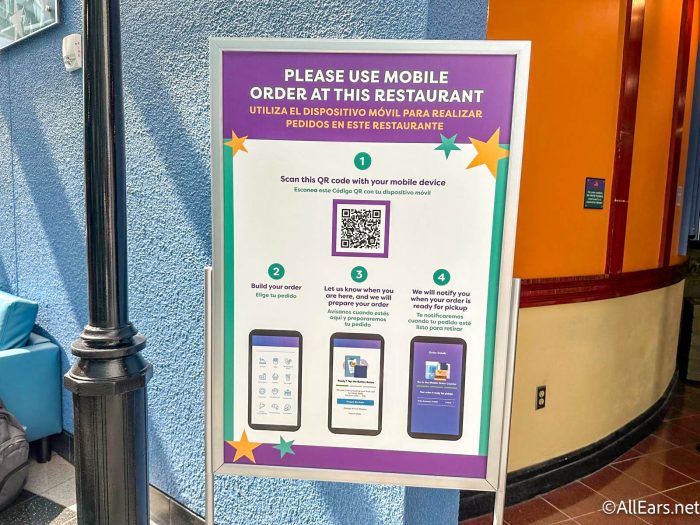
The My Disney Experience app is guests’ key to mobile ordering. Offered at quick service dining locations across the property, Mobile Order allows guests to order and pay for menu items, set an arrival time. When arriving, they select the “I’m Here, Prepare My Order” button so the kitchen can begin preparing the order, then seamlessly pick up their food at a specially designated service window after receiving a notification that it’s ready.
Search for Specific Snacks/Food
Speaking of food, you can also use the My Disney Experience app to search for specific snacks, treats, and menu items. For example, if you have a hankering for a DOLE Whip or Mickey Pretzel, all you need to do is search the term to find the locations where they’re available.

Save a Credit/Debit Card
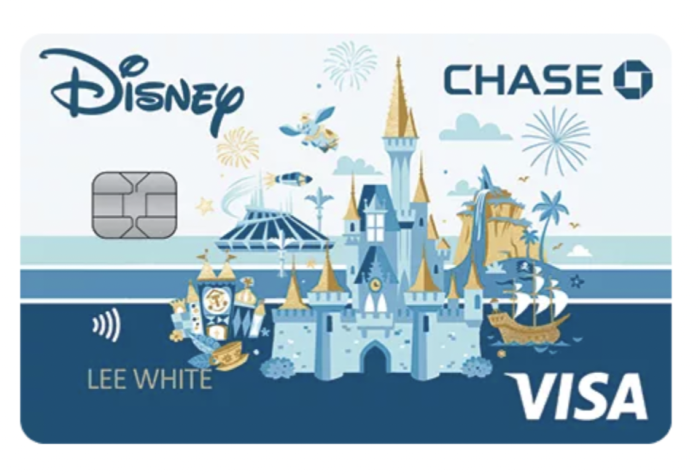
From the aforementioned mobile order options to purchasing Lightning Lanes and checking out at mobile stations at busy stores like the Emporium, there are plenty of opportunities to pay with things using the app. So, we always have a credit to debit card saved in the app so that we don’t need to enter the card information EVERY SINGLE TIME we make a purchase.
Gift Card Numbers
Unfortunately – and for reasons we don’t quite understand – you can’t save a Disney Gift Card’s information in the app the way you can a personal card. So, we’d recommend writing the gift card’s code in an app like Notes, that way you can easily paste it in each time you need to use it.

Following each of these Disney World app “rules” will keep your next trip running smoothly! Stay tuned to AllEars for further Disney tips!
The NEW Rules for Drinking Around the World in EPCOT
Are you a fan of the Walt Disney World app? Let us know in the comments below!







Trending Now
We've got a look at next week's ALDI finds!
Disney World is home to over 25 hotels, and lately there have been a LOT...
We can't believe how many people still make this HUGE mistake in Disney World!
These Disneyland and Disney California Adventure rides won't be available to guests in July.
We've got a list of fibs that Universal Orlando Team Members sometimes tell you!
We rounded up five bags that actually work for a Universal day, so you can...
Some of our favorite LEGO sets are on sale right now!
To celebrate Filipino American History Month, you can make Chicken Adobo with Mickey and friends...
Disney World and Disneyland fans will debate this one forever. Both parks have Space Mountain,...
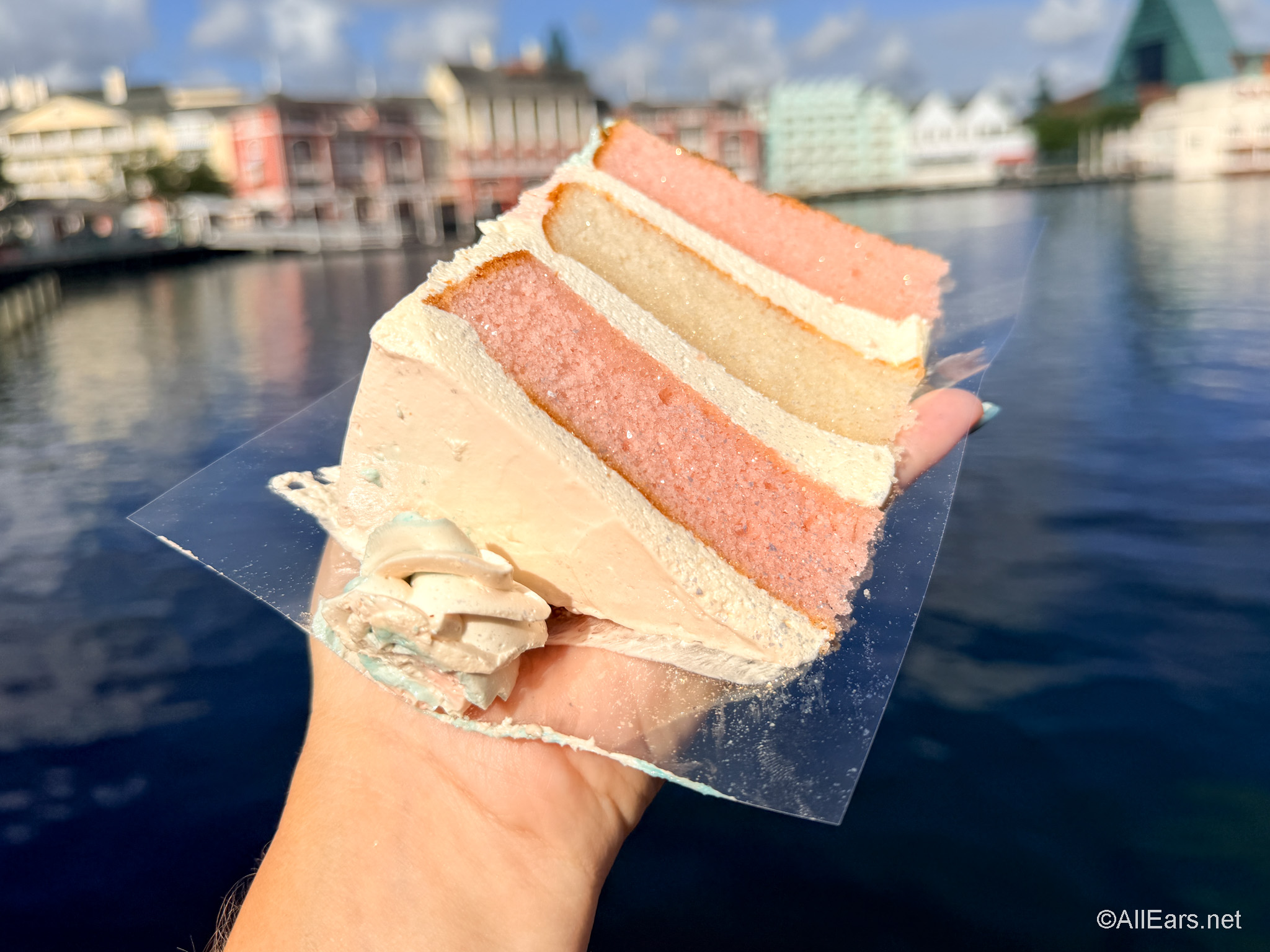
This cake tastes just like cotton candy!
You need to check out this NEW vacation home resort coming to Orlando!